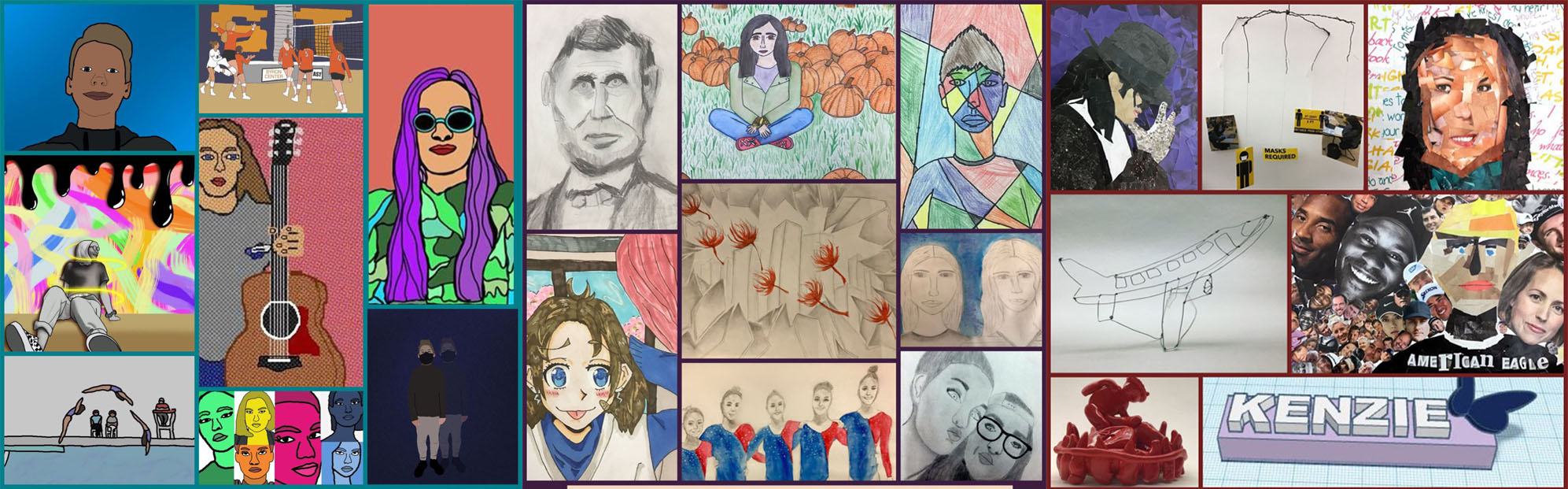
The last time I shared on here, I gave away some of the "secrets" to how I structure lessons in my class using Design Thinking. This was all shared before getting started with teaching this school year.
Our school decided to start the year in a hybrid model, but it was very much a back and forth for weeks worth of meetings before landing on that option.
To save myself from the inevitable stress of trying to figure out how to teach half of my students in person and the other half at home, I decided to plan everything like we were learning remotely this year. That way it works no matter what the learning situation is for a student and is stable and predictable for students, parents, and me.
I took some of the things that worked best during remote teaching and learning this past Spring and added some additional ideas, tools, and other things, too. There were still some problems I had to find solutions for, and for the most part, I think I have.
So, one BIG hurdle I had to figure out how to clear was organizing ways for students to get a chance to learn a variety of media. Usually, if I wanted to introduce a media or concept to students, we would do a round-robin experience of students getting to use the media (often in partner work). Now we have to do it in a way where we did not share supplies and it was safe.
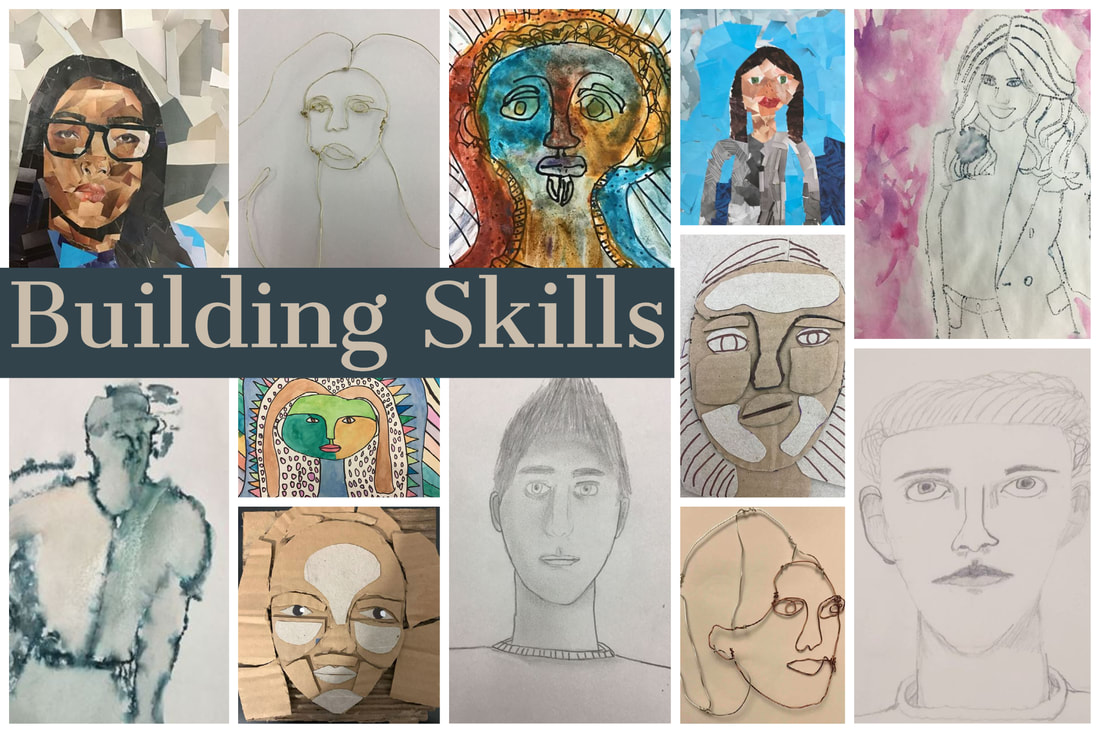
The solution was the interactive skill builder you see below. This tool (made with Google Slides) allows students to select from a variety of choices and create work that will help them gain and build skills.
In addition to picking one from each set, students took notes on all concepts in case they might use them later. This skill builder is a lead-in for our first challenge, which many students create portraits or images of people because of the theme.
Our school decided to start the year in a hybrid model, but it was very much a back and forth for weeks worth of meetings before landing on that option.
To save myself from the inevitable stress of trying to figure out how to teach half of my students in person and the other half at home, I decided to plan everything like we were learning remotely this year. That way it works no matter what the learning situation is for a student and is stable and predictable for students, parents, and me.
I took some of the things that worked best during remote teaching and learning this past Spring and added some additional ideas, tools, and other things, too. There were still some problems I had to find solutions for, and for the most part, I think I have.
So, one BIG hurdle I had to figure out how to clear was organizing ways for students to get a chance to learn a variety of media. Usually, if I wanted to introduce a media or concept to students, we would do a round-robin experience of students getting to use the media (often in partner work). Now we have to do it in a way where we did not share supplies and it was safe.
The solution was the interactive skill builder you see below. This tool (made with Google Slides) allows students to select from a variety of choices and create work that will help them gain and build skills.
In addition to picking one from each set, students took notes on all concepts in case they might use them later. This skill builder is a lead-in for our first challenge, which many students create portraits or images of people because of the theme.
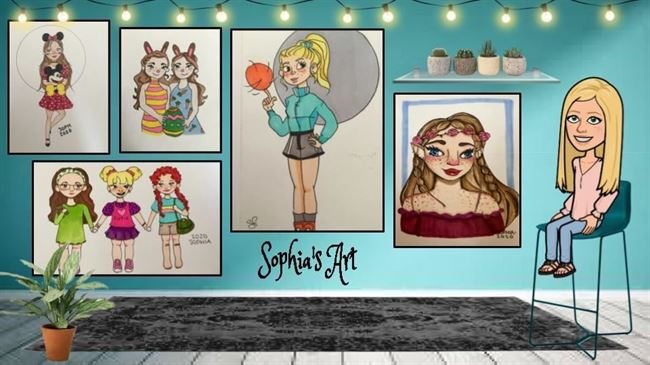
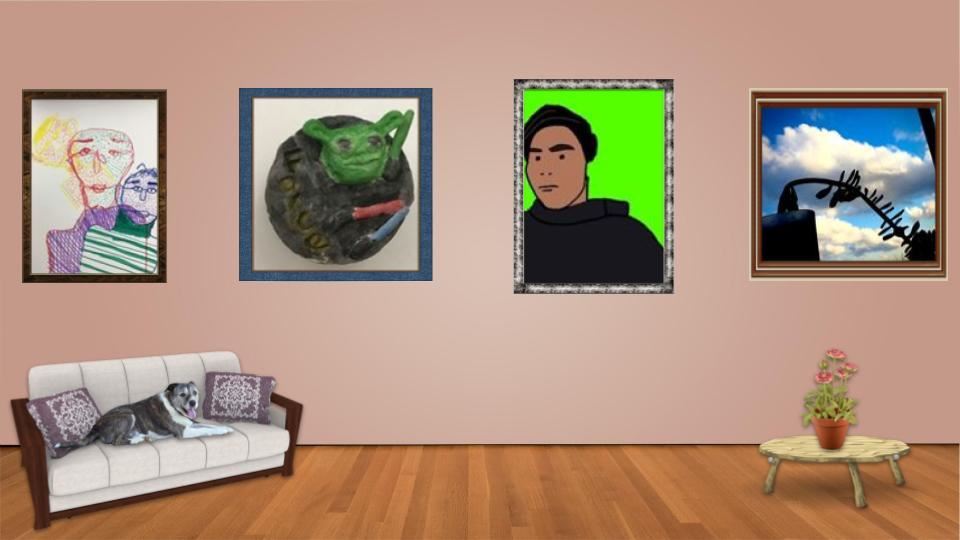
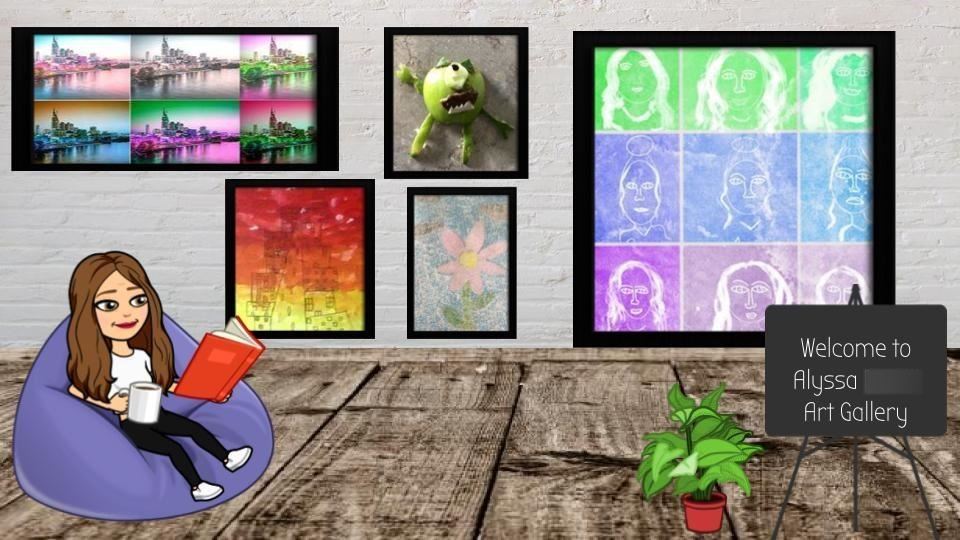
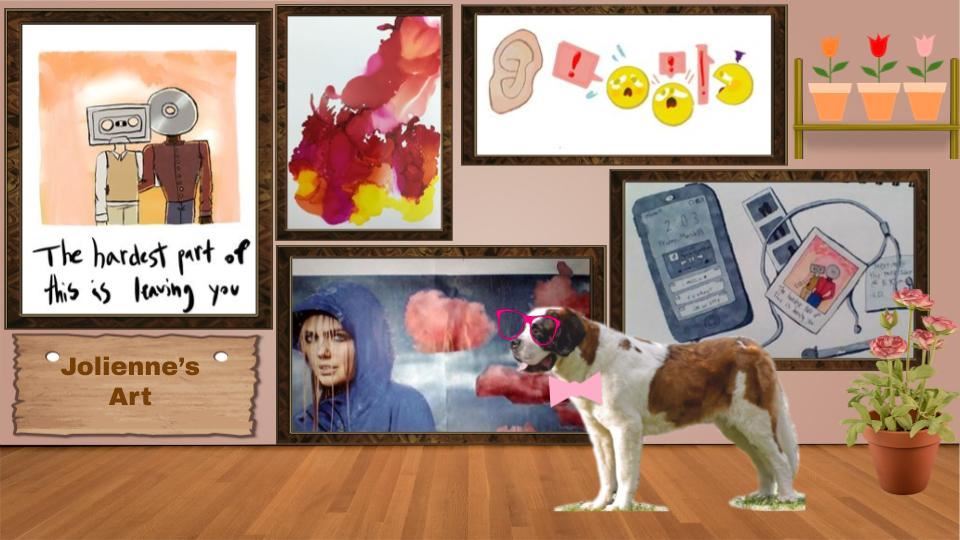
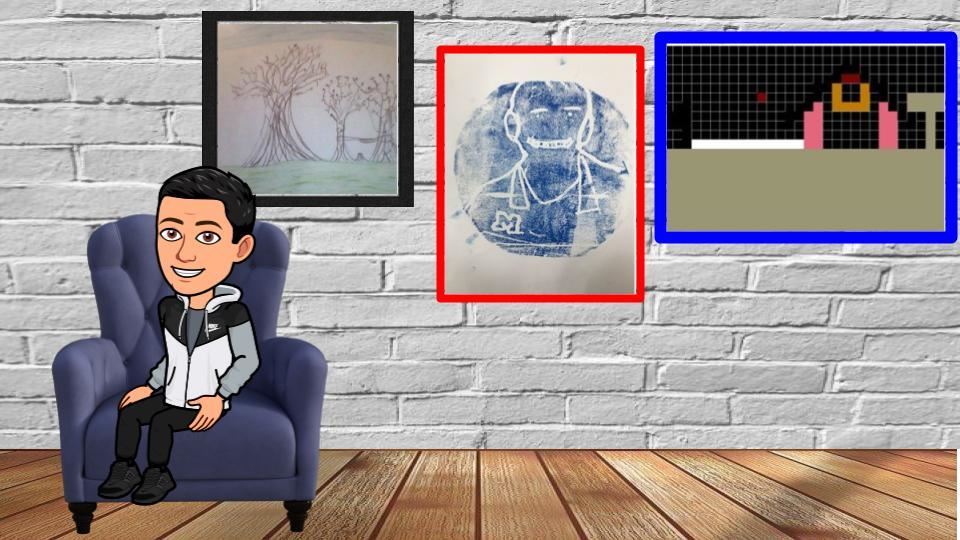
The below images are examples of what students made during this skill builder. It was such a nice variety of works and the choice of what students got to use helped engage all learners.
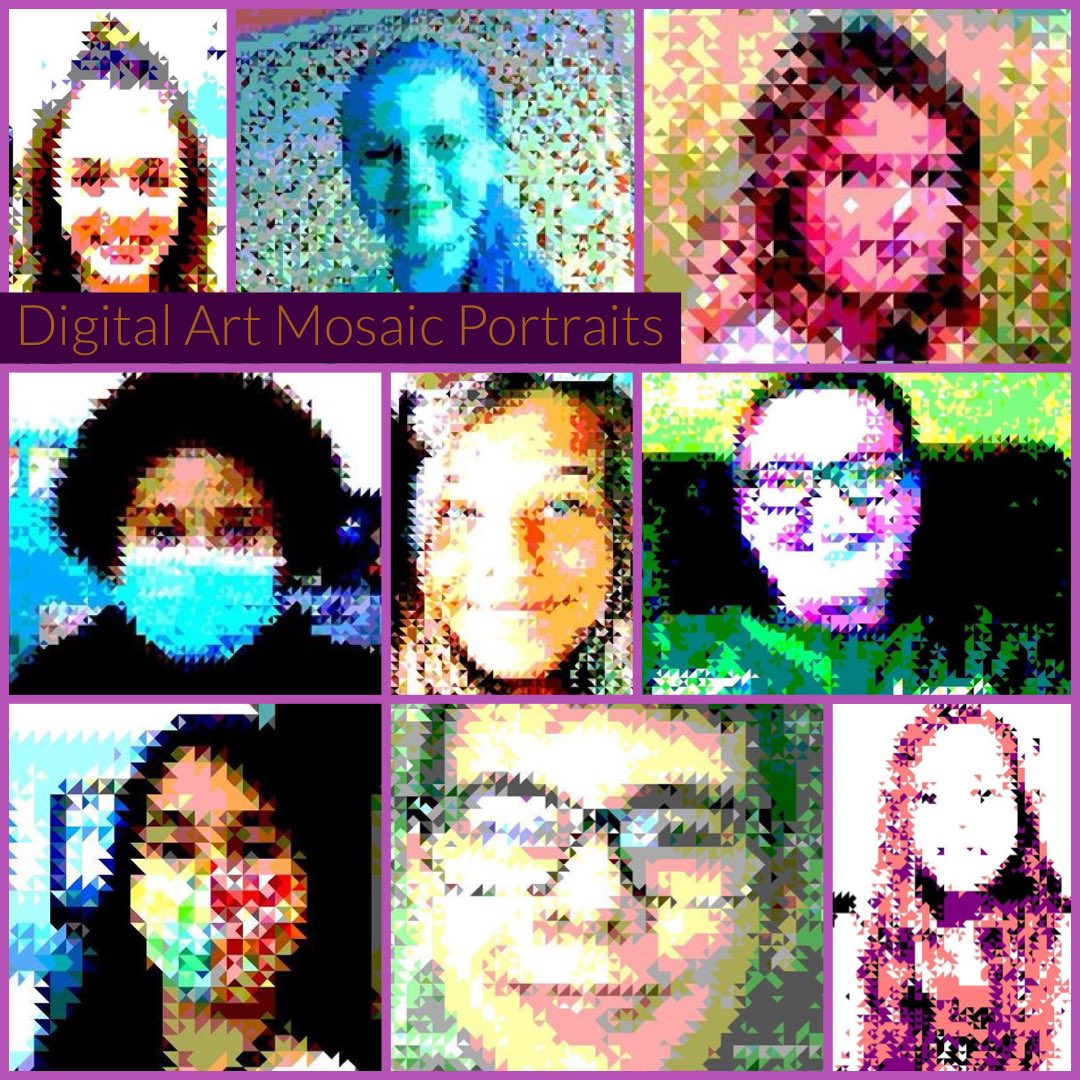
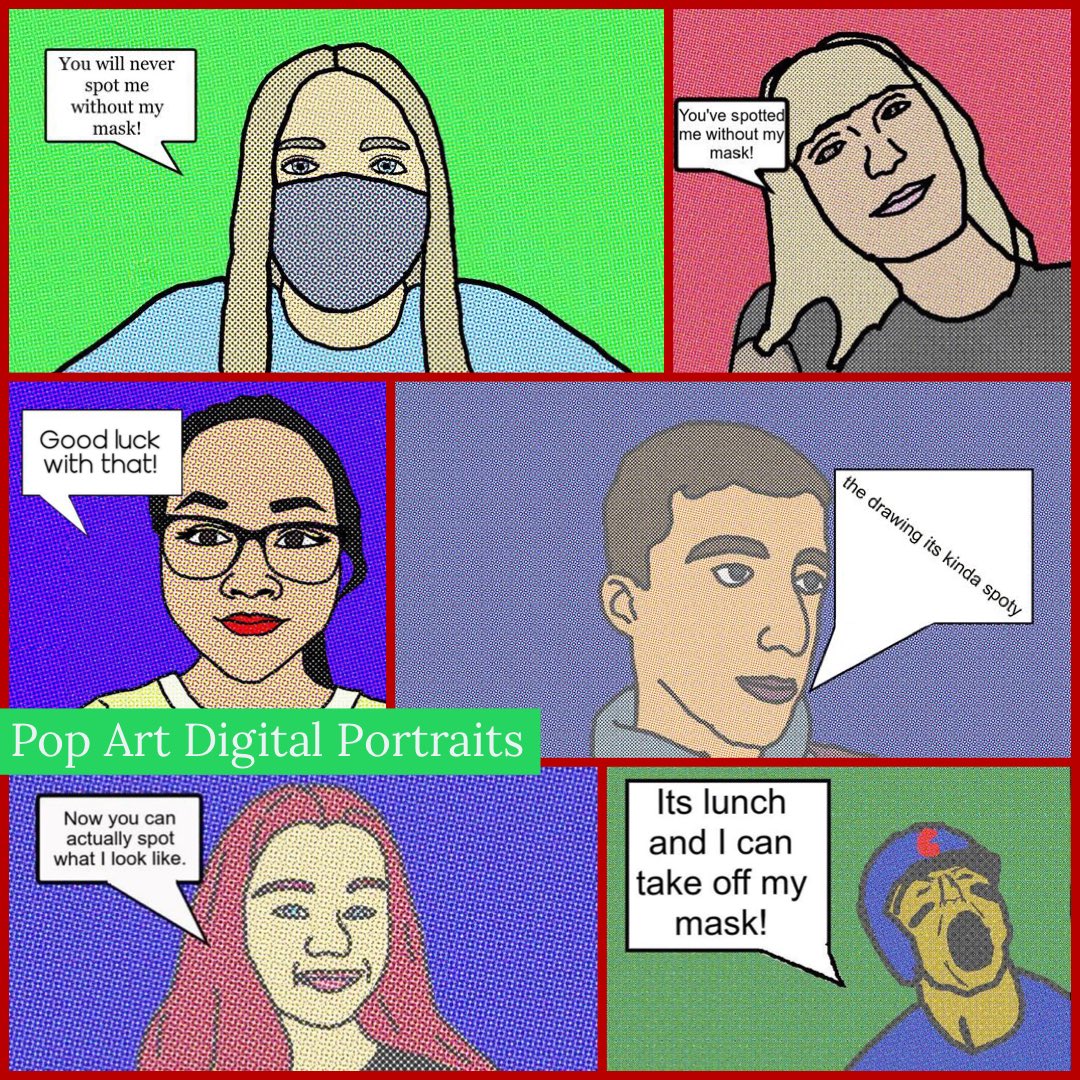
After completing our skill builders (which happened to be our last week of hybrid instruction), students returned to start the Digital Art Bootcamp. This again offers some choice and sets of key terms for students to know and understand. Students could select what to make based on their ability and skill level and what they wanted to learn.
Below is the board we used to complete this:
Below is the board we used to complete this:
As you can see, the portrait was still a main subject because it helped students prepare for what our next activity would be: planning for challenge one.
|
|
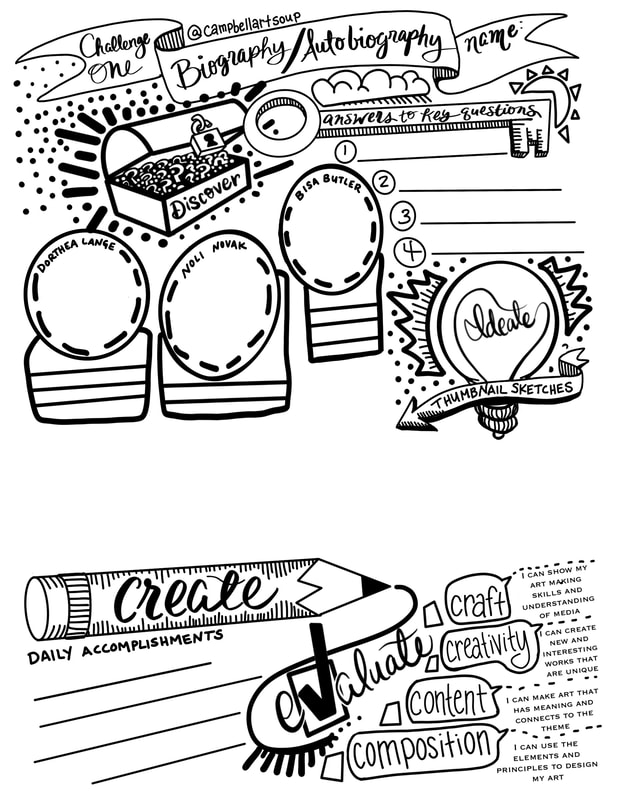
Starting last year, I designed planning guides for each unit that used the Design Thinking Process as a way to organize information from the unit. Every Challenge we do has a set of artists that explore a common theme, key questions that focus on the theme, a series of thumbnail sketches students use to help gather ideas/feedback to create their work and a place to track their learning and check for understanding. The guide below and presentation that go with it show how I have adapted these to fit this year's situation. The presentation is much more interactive and allows for students to revisit what they are learning about as they need to throughout the process. Start clicking on it and you will see what I mean.
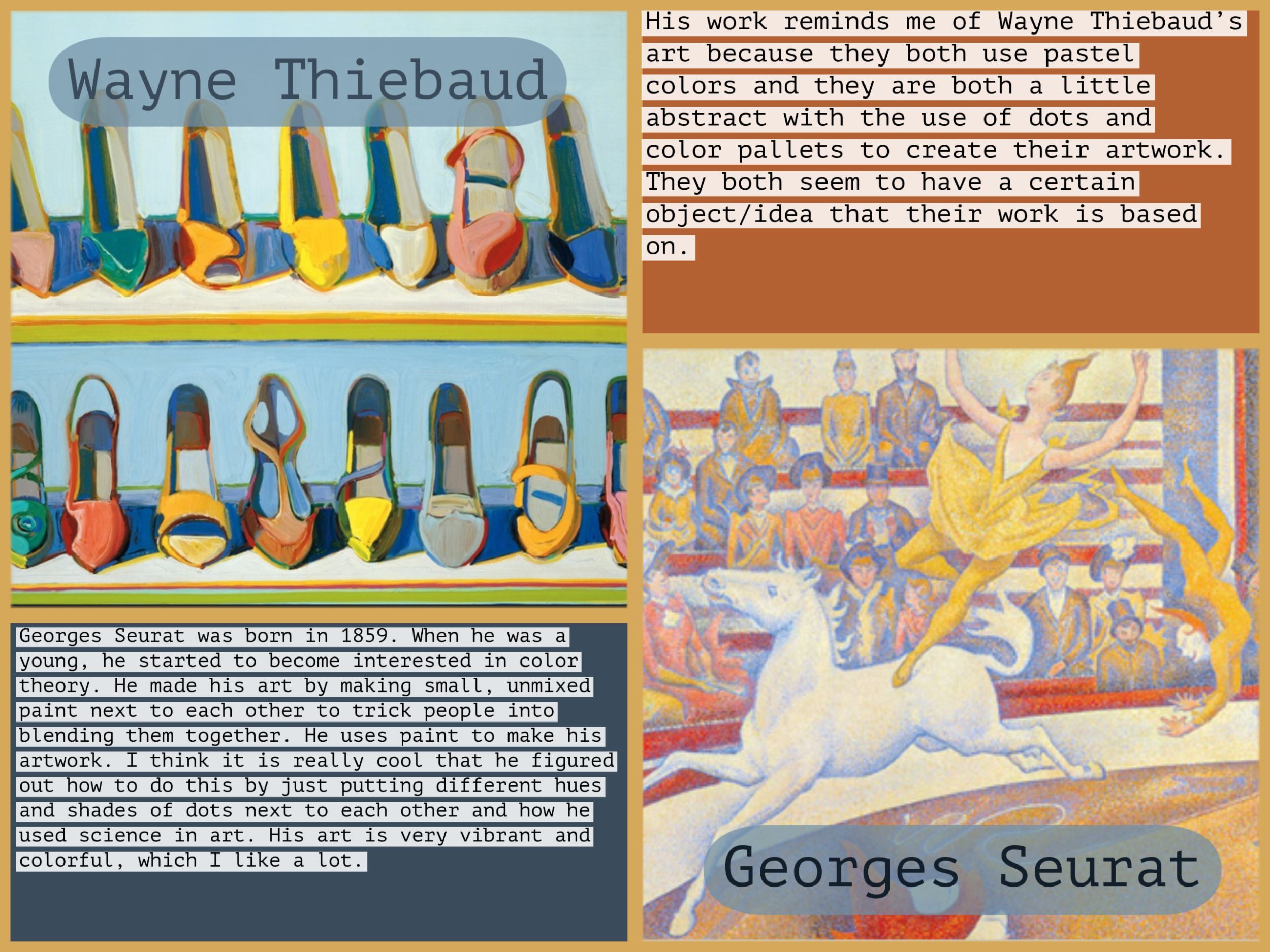
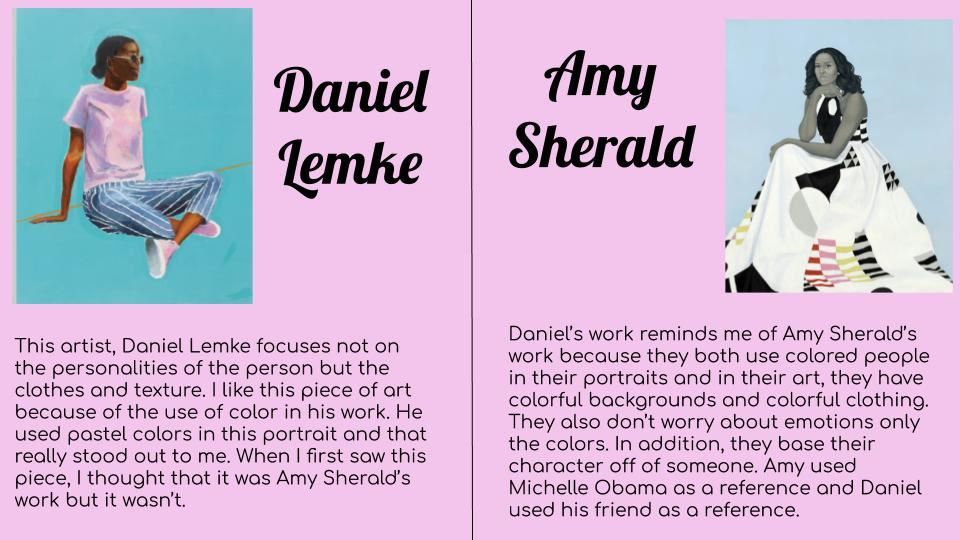
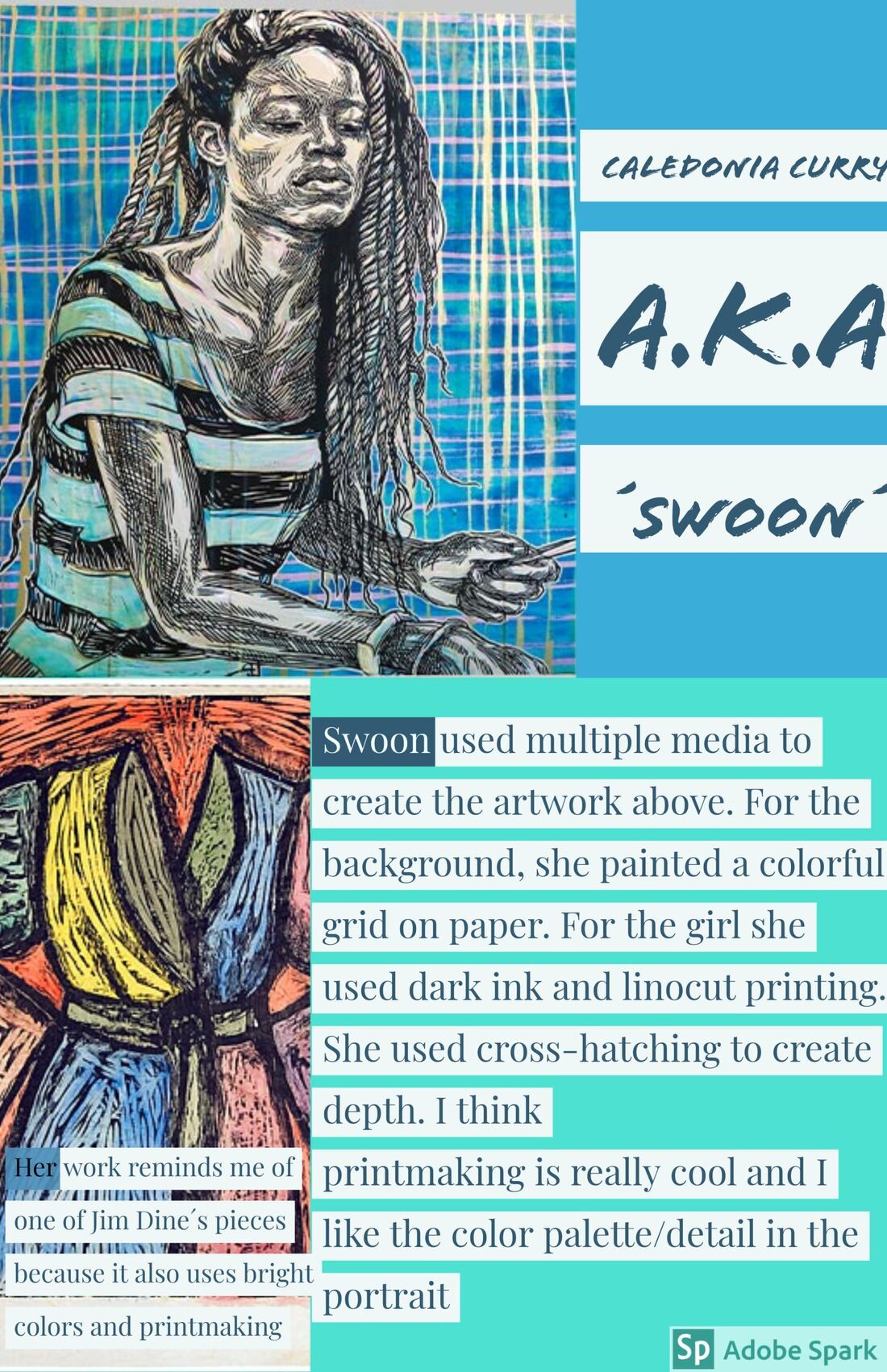
The result of this overall, revamping of what I have been implementing into my classroom for almost the last decade to meet the safety needs of today is what you see below. Students making work that is uniquely theirs. Inspired by artists, but not copying, while picking and choosing skills they want to employ to implement to create a wide array of pieces that are connected by being works that look at making art about themselves or others.
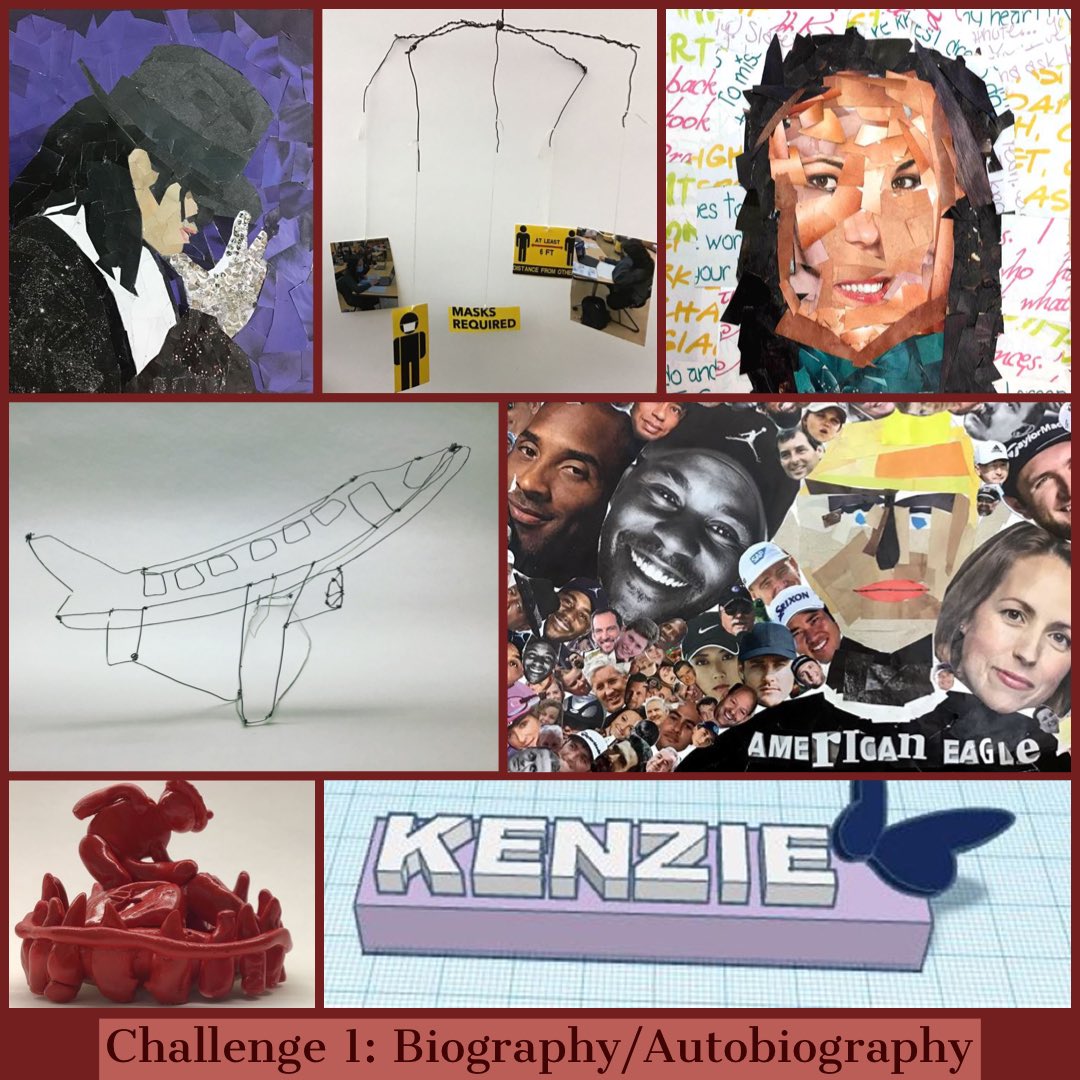
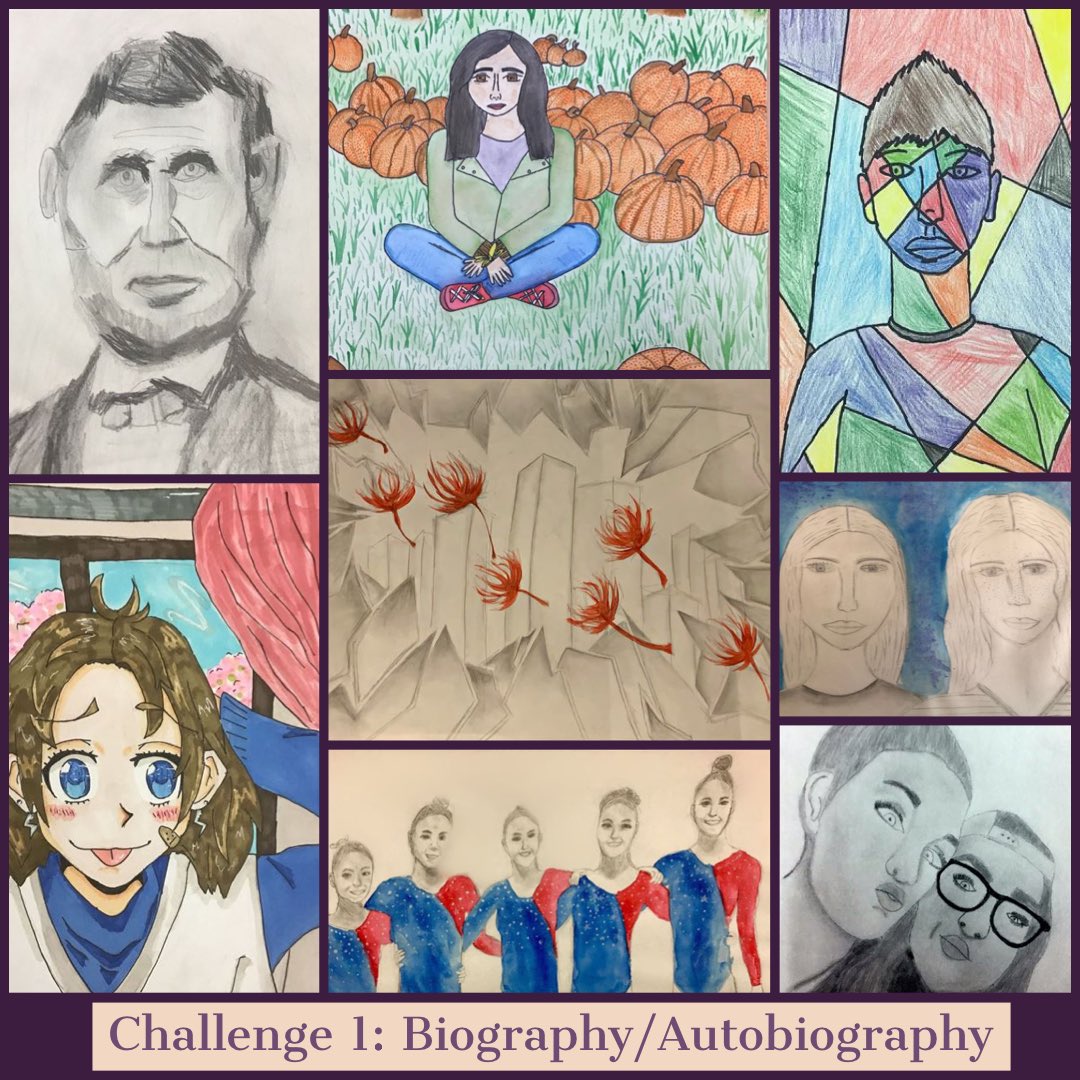
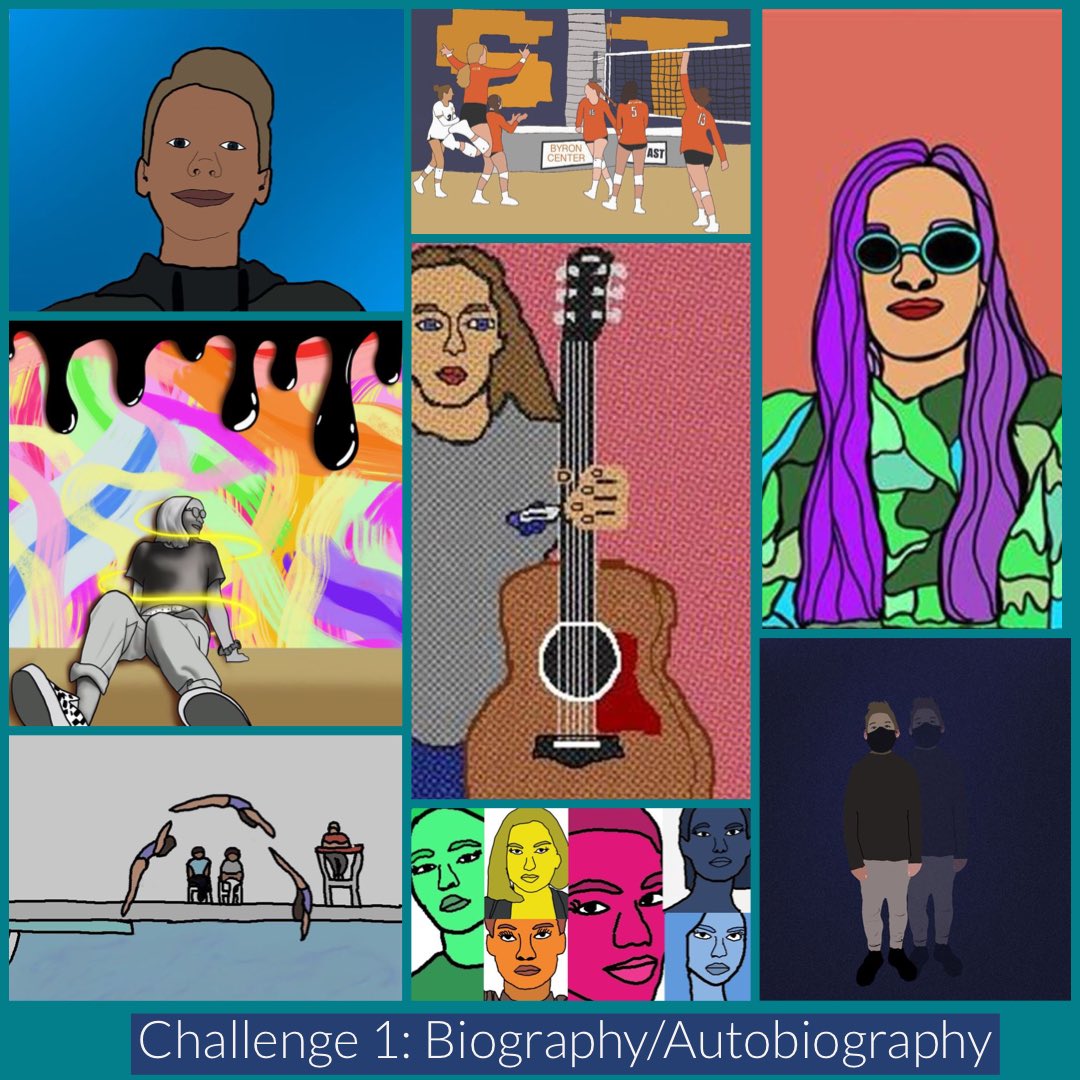
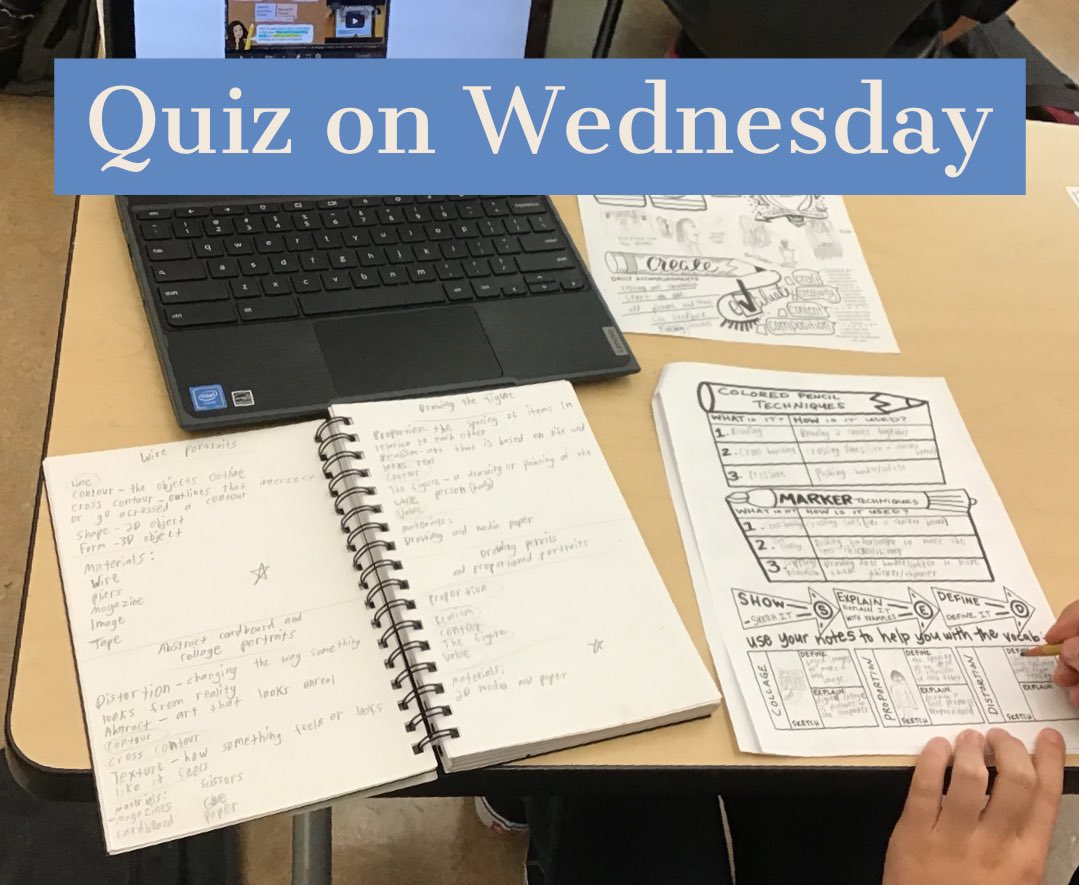
Once this work comes to a close, we cap everything off with a quiz that assess understanding of skills and concepts from what they have learned. People are always a little shocked when they learn we have quizzes in art, but it is a great way to see what is being retained. I always give a review guide for students before so they can organize their notes and understanding in one place.

| challenge1_202021.pdf |
It is my 17th year of teaching and I am most definitely not claiming to have it all figured out quite yet and probably never will. What I do know if that I have had the chance to spend the last 17 years teaching the same grade level and subject area so I can get to this place with my students.
I have had to make a lot of adjustments (many I can't wait to be rid of and some I will keep post-pandemic). Even with all of the restrictions and safety protocols and having to cut some things I would normally do with students out, it has been reassuring with this work demonstrating that we never have to cut out the creative voice offered by each individual student and we have managed to maintain a level of quality that I am still amazed at looking back on with what we have done so far this year.
If you want to see more from my classroom, check out my Instagram and Artsonia galleries.
I have had to make a lot of adjustments (many I can't wait to be rid of and some I will keep post-pandemic). Even with all of the restrictions and safety protocols and having to cut some things I would normally do with students out, it has been reassuring with this work demonstrating that we never have to cut out the creative voice offered by each individual student and we have managed to maintain a level of quality that I am still amazed at looking back on with what we have done so far this year.
If you want to see more from my classroom, check out my Instagram and Artsonia galleries.
 RSS Feed
